The Strategic Role of Motion in Portfolios
In the competitive landscape of digital portfolios, animation is not merely a decorative element; it is a powerful tool for storytelling and user guidance. When implemented correctly, motion design can direct a visitor's attention to your most impressive work, establish a cohesive brand identity, and create a memorable, premium experience that distinguishes you from the crowd.
Essential Animation Techniques
To achieve a professional look, focus on subtle, purposeful transitions rather than chaotic effects. Here are the core techniques to master:
- Staggered Reveal Animations: As users scroll through your project list, reveal elements with a slight delay. This creates a rhythmic, sophisticated flow that keeps the viewer engaged.
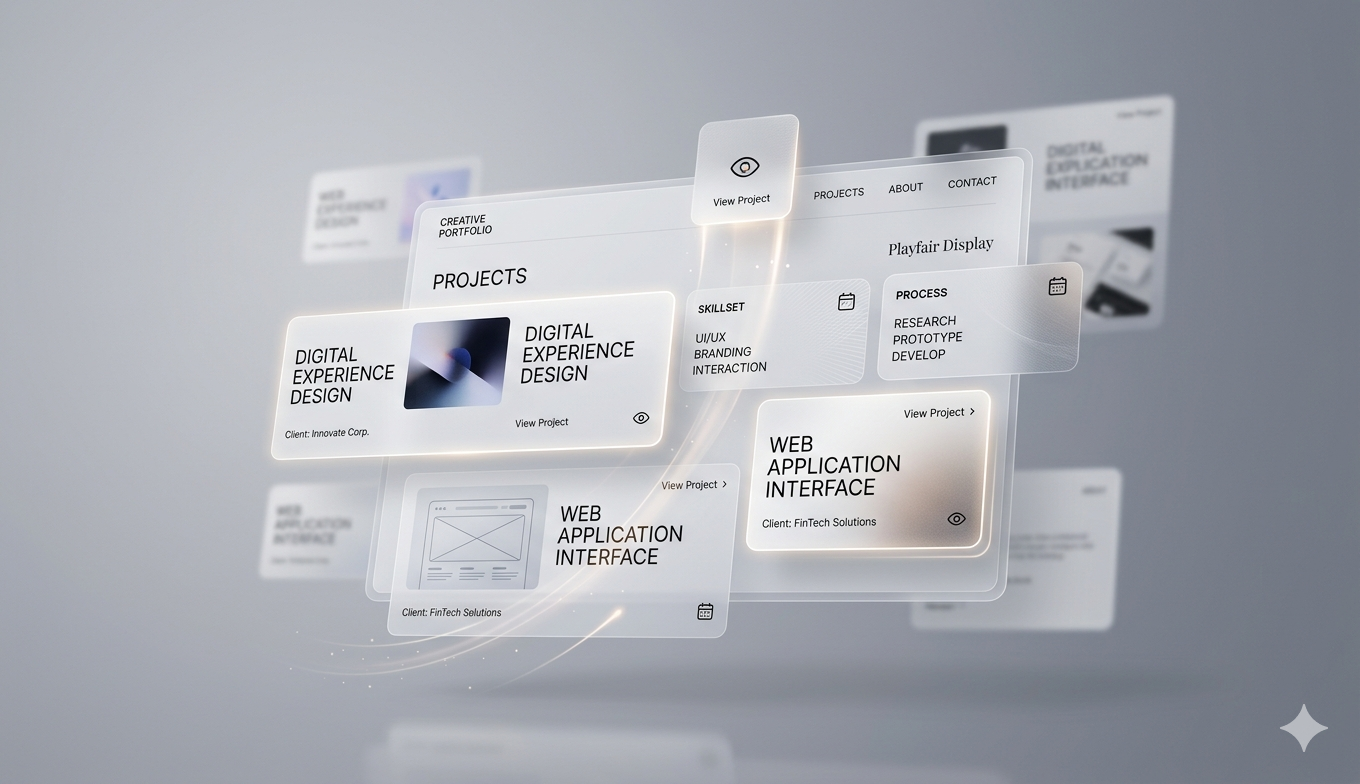
- Micro-interactions on Hover: Use gentle scale, opacity, or shadow depth changes when a user interacts with project thumbnails. This provides immediate visual feedback and confirms the interactivity of your design.
- Page Transitions: Seamlessly animate the transition between your landing page and individual case studies to maintain a sense of continuity, reducing the cognitive load on the user.
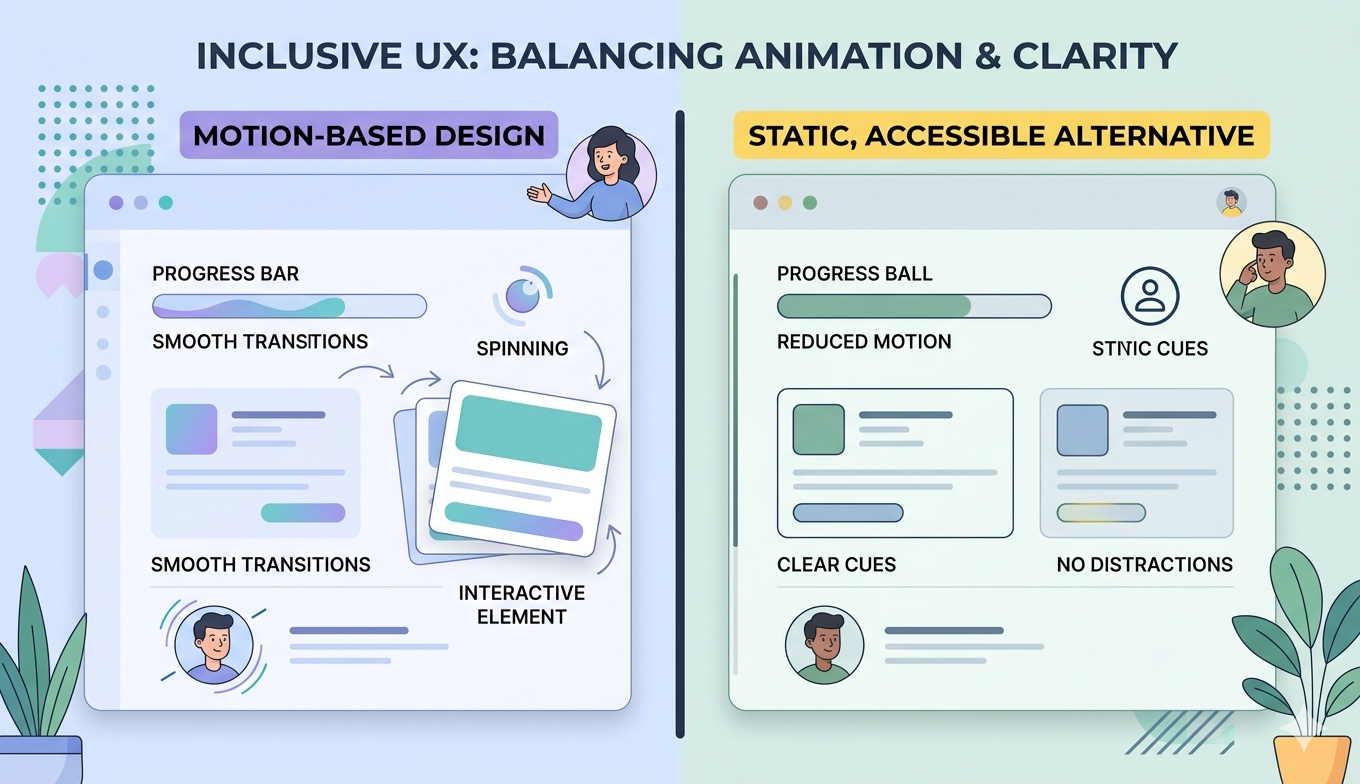
Performance and Accessibility Considerations
While animations can be visually stunning, they must not come at the cost of performance. Over-animating can lead to sluggish load times and accessibility issues. Always prioritize the following best practices:
- Respect User Preferences: Always check for 'prefers-reduced-motion' media queries. If a user has requested reduced motion in their OS settings, disable or simplify your animations accordingly.
- Optimize Assets: Use lightweight formats like Lottie or CSS-based animations rather than heavy video or GIF files to ensure your portfolio remains lightning-fast.
- Keep it Meaningful: Ensure every animation has a purpose. If it doesn't help the user navigate or understand your work better, it is likely clutter.
Final Thoughts on Motion Design
Great portfolio animation is invisible; it feels natural and responsive. By focusing on subtle easing, consistent timing, and user accessibility, you can create a digital space that feels polished and professional. Remember that your goal is to showcase your work, not to distract from it. When used with restraint, motion becomes the silent advocate for your design expertise.